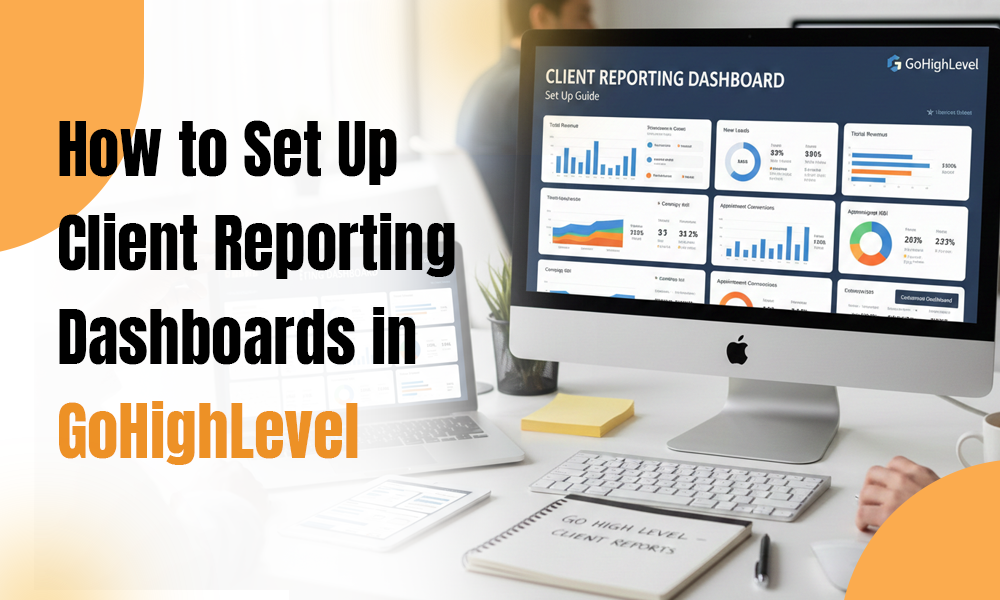
Client reporting is one of the strongest foundations of any agency-client relationship. Whether you run a digital marketing agency, a lead gen business, or a niche service-based brand, your clients expect clarity. They want transparency, visibility into what’s happening, and an easy way to understand the ROI you’re delivering.
That’s exactly where GoHighLevel shines. With its built-in reporting dashboards, you can give clients a real-time view of their leads, conversions, calls, revenue, and campaign performance—all in one place. Yet many agencies still don’t take full advantage simply because they’re unsure how to set everything up.
This guide walks you through how to build, customize, and automate client reporting dashboards in GoHighLevel. You’ll see how a well-structured dashboard improves communication, boosts retention, and positions your agency as a true GoHighLevel expert.
Whether you’re running a GoHighLevel agency, offering the best GoHighLevel services, or relying on GoHighLevel automation to scale your operations, this step-by-step guide will help you upgrade your reporting game.
Why Client Reporting Dashboards Matter
Before we get into the setup process, let’s touch on why great reporting is so essential for any modern agency.
✔ Transparency Builds Trust
Clients want visibility. When they can clearly see leads, calls, revenue, and progress, they trust your work more—and feel confident in your strategy.
✔ Better Reporting = Better Retention
Most agencies don’t lose clients because of poor performance.
They lose them because clients feel uninformed.
A dashboard solves that instantly by giving clients everything they need, whenever they need it.
✔ You Save Hours of Manual Work
Once a dashboard is configured, GoHighLevel automation updates everything in real time. No more building monthly reports from scratch.
✔ It Positions You as a GoHighLevel Expert
Providing polished, automated reporting helps you stand out and builds your authority as a high-level service provider.
Step-by-Step: Setting Up Client Reporting Dashboards in GoHighLevel
Below is a simple, streamlined workflow to create dashboards your clients will actually use—and appreciate.
Step 1: Identify the Metrics Your Client Cares About
Start by clarifying what’s important to your client. Common analytics categories include:
- Lead volume
- Sources of leads
- Call tracking
- Funnel and page conversions
- Appointments booked
- Pipeline movement
- Email/SMS performance
- Revenue
- Ad performance
As a GoHighLevel expert, help clients focus on meaningful metrics—not vanity numbers.
Step 2: Go to the Dashboard Builder
Inside GoHighLevel:
- Open your client’s Sub-Account
- Click Dashboard
- Select Customize Dashboard
This area lets you build a personalized reporting experience tailored to each client.
Step 3: Add and Customize Widgets
GoHighLevel lets you add widgets for:
- Conversations
- Opportunities
- Pipelines
- Funnels
- Attribution
- Forms & surveys
- Calls
- Workflow activity
For each widget, you can adjust:
- Filters
- Date range
- Campaign/workflow
- Source
- Display format
This flexibility lets you create a clean, accurate reporting experience.
Step 4: Integrate Important Data Sources
A dashboard becomes powerful when the right data streams are connected.
- Call Tracking
Connect Twilio or LC Phone to display:
- Total calls
- Missed vs. answered
- Call recordings
- Website & Funnel Analytics
Track:
- Page views
- Form submissions
- Conversions
- Advertising Integrations
Connect:
- Facebook Ads
- Google Ads
- TikTok Ads
GoHighLevel’s attribution reporting brings all ad performance into one view.
Step 5: Build a Clear, Client-Friendly Layout
A good dashboard isn’t just accurate—it’s easy to read.
Here’s a recommended layout used by top GoHighLevel agencies:
Section 1: Lead Overview
- Total leads
- Leads by source
- Cost per lead (if ads connected)
Section 2: Pipeline Summary
- Opportunity stages
- Pipeline value
- Win rate
Section 3: Communication
- SMS open rate
- Email open/click rate
- Missed call rate
Section 4: Appointment Insights
- Bookings
- Show-ups
- No-shows
Section 5: Revenue
- Payments
- Subscriptions
- Invoices
The goal is clarity—not clutter.
Step 6: Automate Your Reporting
This is where GoHighLevel truly excels.
With workflows, you can set up:
✔ Weekly Reports
Send automated summaries or links every Monday.
✔ Monthly Performance Reports
Perfect for ongoing services like ads, funnels, SEO, or retainer clients.
✔ Real-Time Alerts
Such as:
- New lead notification
- Missed call
- Appointment booked
Automation keeps clients informed 24/7 without extra manual work.
Step 7: Set Up Client Access Permissions
Give clients access to:
- Dashboards
- Pipelines
- Conversations
- Reports
Hide internal tools to keep their view clean and professional. This also makes your agency look like a premium, modern service provider.
Step 8: White Label the Dashboard
For a fully branded experience:
- Add client logos
- Use their color palette
- Customize sidebar
- Remove GoHighLevel branding
- Add a custom domain login page
Bonus: Bring in a GoHighLevel Developer
For advanced needs—API integrations, custom UI, or tailored reporting tools—an experienced GoHighLevel developer can help.
Benefits of Using GoHighLevel Dashboards
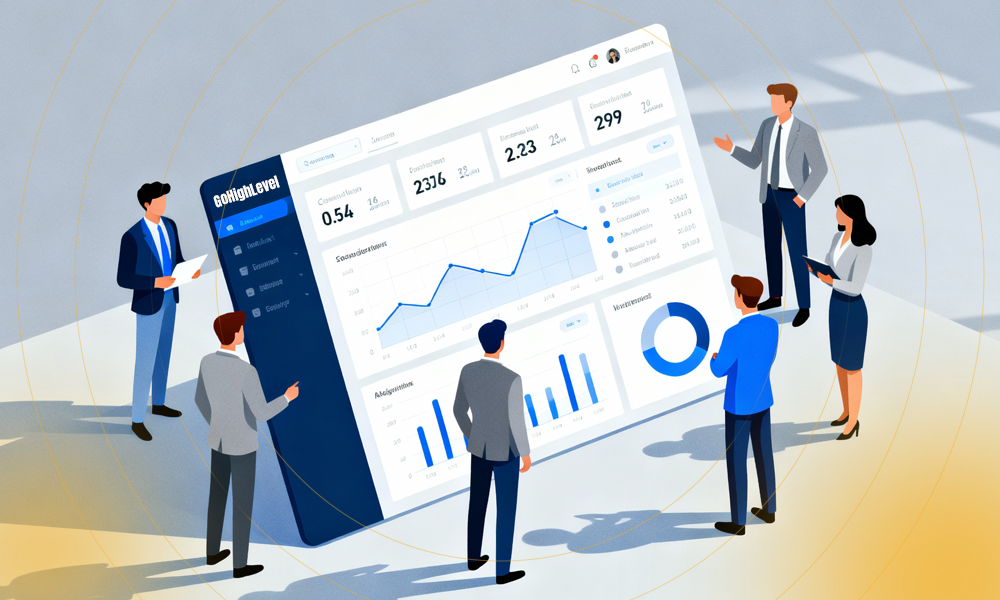
- Full Transparency
Clients can see everything anytime.
- Fewer Support Questions
Clients answer most questions by checking their dashboard.
- Higher Retention
Clients stay longer when they see proof of results.
- A More Polished Agency Image
Looks comparable to custom enterprise reporting systems.
- Real-Time Insights
No more waiting for monthly updates.
Conclusion
Setting up client reporting dashboards in GoHighLevel is one of the easiest ways to strengthen communication and build long-term client relationships. With a well-structured layout, smart automation, and white-labeled branding, you can deliver a reporting experience that’s both professional and effortless.
Whether you’re offering the best GoHighLevel services, running a GoHighLevel agency, or using GoHighLevel automation to scale your business, a great dashboard will set you apart from your competitors.
If you want help building advanced dashboards, workflows, or white-labeled reporting setups, expert GoHighLevel developers are always available to support your growth.