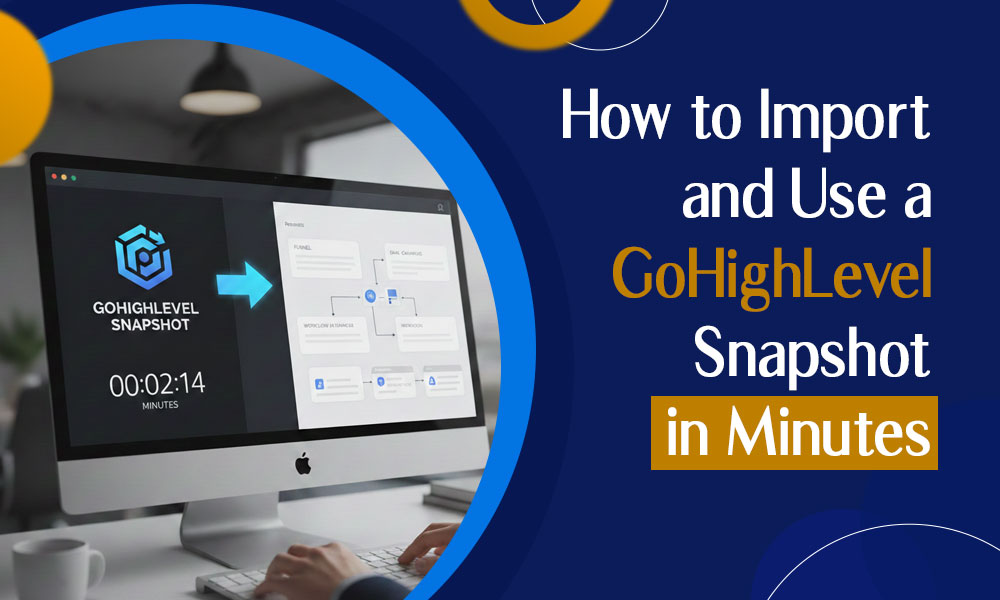
Starting fresh with funnels, workflows, or automations inside GoHighLevel takes effort – particularly when agencies juggle many clients at once. It is this challenge that makes GoHighLevel snapshots stand out as a key timesaving tool across the system.
One click from a GoHighLevel image sets up every piece – funnels, automations, email examples, workflows, calendar links, even preferences – all at once. Starting someone fresh? Onboarding works smoother when settings come ready. Launching tools for specific audiences? The framework already has key pieces in place. Growing your service business? Replicating systems saves hours otherwise lost to setup chaos.
In this guide, you’ll learn how to import and use a GoHighLevel snapshot in minutes, along with best practices to avoid common mistakes and maximize results.
What Is a GoHighLevel Snapshot?
A GoHighLevel snapshot is a reusable template of an existing GoHighLevel account. It captures key assets like:
- Funnels and websites
- Email and SMS automations
- Pipelines and opportunities
- Calendars and forms
- Triggers, workflows, and campaigns
- Custom fields and tags
Instead of rebuilding everything manually, go high level snapshots allow agencies to instantly duplicate proven systems across multiple accounts.
Why GoHighLevel Snapshots Are Essential for Agencies
First off, snapshot importing isn’t just convenient – it brings real advantages. That alone makes the effort worth it. Key Benefits of Using GoHighLevel Snapshots
Key Benefits of Using GoHighLevel Snapshots
- Faster client onboarding – Reduce setup time from days to minutes
- Consistency across accounts – Use standardized, high-performing systems
- Scalability – Easily manage 10, 50, or 100+ client accounts
- Reduced errors – Avoid missed steps in manual configurations
- Repeatable success – Clone what already works
For agencies offering automation, CRM setup, or SaaS solutions, snapshots are not optional, they’re essential.
When Should You Use a GoHighLevel Snapshot?
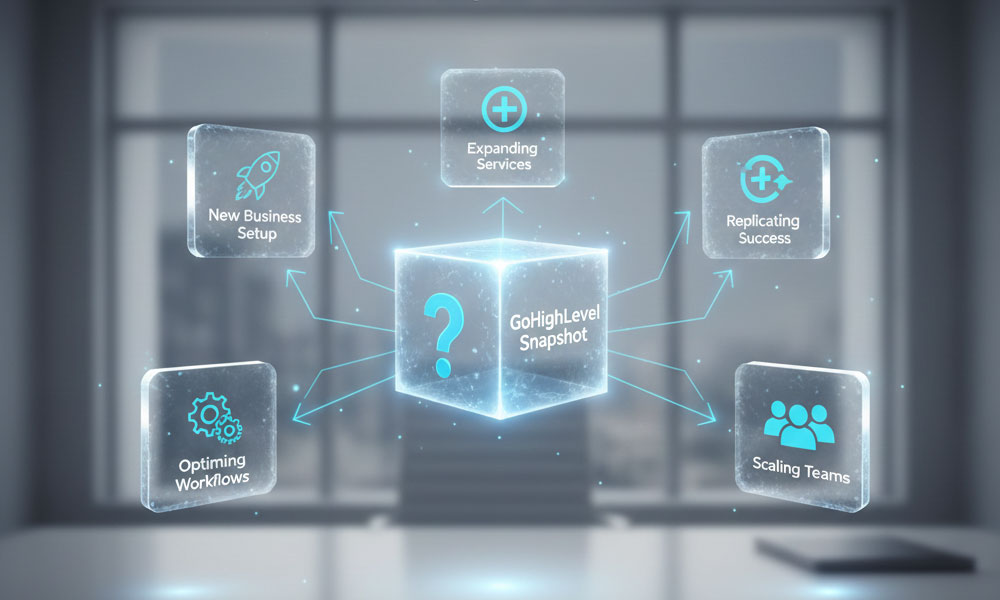
You should use a gohighlevel snapshot when:
- Onboarding a new client
- Launching a niche-specific funnel (real estate, medical, coaching, etc.)
- Selling a white-label SaaS solution
- Creating repeatable service packages
- Migrating accounts or workflows
Snapshots are ideal whenever speed, accuracy, and consistency matter.
Step-by-Step: How to Import a GoHighLevel Snapshot
Importing a snapshot is straightforward, but you need the right permissions and access.
Step 1: Log In to Your GoHighLevel Agency Account
Snapshots can only be imported from the Agency View, not a sub-account.
- Log in to your GoHighLevel dashboard
- Switch to Agency View
- Navigate to Settings → Snapshots
Step 2: Click “Import Snapshot”
Once inside the Snapshots section:
- Click “Import Snapshot”
- Paste the snapshot share link or upload the snapshot file
- Confirm the import
Within seconds, the snapshot will appear in your snapshot library.
Step 3: Select the Target Sub-Account
Snapshots are applied to sub-accounts, not directly to the agency account.
- Go to Sub-Accounts
- Create a new sub-account or select an existing one
- Open the sub-account dashboard
Step 4: Apply the GoHighLevel Snapshot
Inside the chosen sub-account:
- Navigate to Settings → Snapshots
- Select the imported gohighlevel snapshot
- Click “Load Snapshot”
- Choose what you want to import (funnels, workflows, campaigns, etc.)
Always review existing assets before overwriting anything in a live account.
Step 5: Review and Customize the Imported Assets
Once the snapshot loads, review each component carefully:
- Update business details (name, email, phone, address)
- Connect email and SMS providers
- Update calendars and availability
- Customize messaging and branding
- Test automations and triggers
Out of the box tools shape the base form, yet personal touches make each piece fit.
How to Use GoHighLevel Snapshots Effectively
Importing a snapshot is only the first step. To get the best results, you need to use it strategically.
1. Create Niche-Specific Snapshots
One way above average teams work is by making separate go high level checklists for distinct fields. For instance:
- Real estate
- Medical practices
- Coaches and consultants
- Local service businesses
This makes it easier to bring new users in, using custom steps each time.
2. Keep Your Snapshots Updated
GoHighLevel frequently introduces new features. If your snapshot isn’t updated:
- Automations may break
- Features may be missing
- Performance may suffer
Every few months, take another look at how your snapshots are set up – they might need a tweak to keep running smoothly.
3. Avoid Overloading Snapshots
A common mistake is putting everything into a single report. So instead:
- Keep snapshots modular
- Separate funnels, automations, and pipelines when possible
- Use lean, purpose-driven setups
Clean snapshots load faster and are easier to customize.
Common Mistakes to Avoid When Using GoHighLevel Snapshots
Even experienced users can run into issues. Here are common pitfalls to watch out for:
- Importing snapshots into the wrong sub-account
- Overwriting existing live assets
- Forgetting to reconnect email/SMS services
- Not testing workflows after import
- Using outdated snapshots
Avoiding these mistakes saves time and prevents client-facing errors.
How GoHighLevel Snapshots Help You Scale Faster
What makes snapshot use in GoHighLevel truly effective is how well it scales.
With snapshots, agencies can:
- Onboard clients 5–10x faster
- Reduce setup costs
- Deliver consistent results
- Train teams more easily
- Launch SaaS products without rebuilding systems
That kind of growth is exactly why most agencies built on GoHighLevel lean heavily on snapshots.
When to Use Professional GoHighLevel Services
Even though screenshots make setup easier, getting them right so they work well in automations isn’t straightforward – it takes time to figure it out.
If you want:
- Custom snapshot development
- Industry-specific automations
- Advanced workflows and integrations
- SaaS-ready account structures
Working with professional GoHighLevel services can significantly improve outcomes.
Final Thoughts
GoHighLevel snapshots are one of the most powerful tools available for agencies, consultants, and SaaS founders. When used correctly, a gohighlevel snapshot can reduce setup time from days to minutes while ensuring consistency and scalability.
Start fresh each time you set up imports, skipping small errors that slow things down. As your company expands, tweak snapshot settings again and again – this keeps them sharp over time.
Achieving quicker growth means grasping how GoHighLevel snapshots work – not as a bonus, but central to smart onboarding and reliable outcomes.