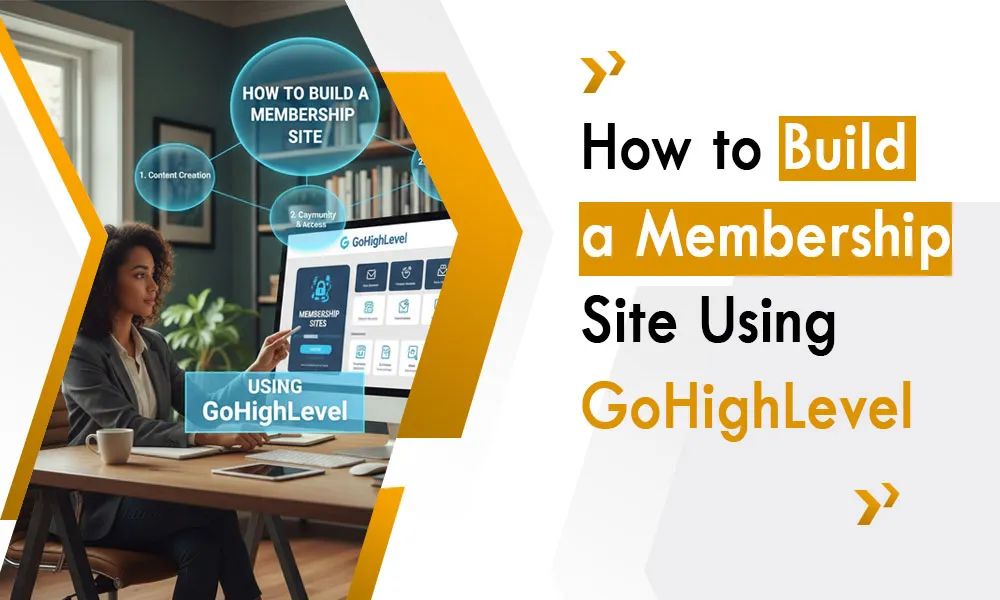
More people now access learning and paid services online. Not just individuals – coaches, consultants, even schools and teams, shape expertise into ongoing income via private communities. Yet handling many separate systems for billing, file storage, tasks, and who enters becomes increasingly tricky.
That is when GoHighLevel becomes noticeable. Rather than combining separate tools, you can design, control, and automate your full membership framework within a single environment. These days, various organizations work alongside agencies experienced in GoHighLevel – or high-quality virtual assistants – to configure everything properly without getting stuck on setup issues.a
Let’s walk through how to build a powerful membership site using GoHighLevel.
What Is a Membership Site?
A membership site is a private, login-protected area where users access exclusive content. This can include:
- Online courses
- Coaching programs
- Premium resources
- Recorded workshops
- Templates and tools
Users usually pay a one-time fee or recurring subscription. The goal is to deliver value consistently while creating predictable income.
Why Use GoHighLevel for Memberships?

GoHighLevel is more than a CRM. It combines:
- Funnel building
- Email & SMS automation
- Payment integration
- Course hosting
- Membership access control
Instead of juggling 4–5 tools, everything lives under one system. A gohighlevel agency often recommends this approach because it simplifies scaling and automation.
Step 1: Define Your Membership Structure
Before logging into the platform, clarify:
- What content will members access?
- Is it course-based, resource-based, or coaching-based?
- Will access be one-time or subscription?
Having this structure ready makes technical setup smoother — something a gohighlevel virtual assistant can help organize.
Step 2: Create Products & Pricing
Inside GoHighLevel:
- Go to Payments/Products
- Create your membership product
- Set pricing (monthly, yearly, or one-time)
- Connect Stripe or payment gateway
This ensures members are automatically billed and granted access after purchase.
Step 3: Build the Membership Area
GoHighLevel’s course/membership feature allows you to:
- Create categories (Modules/Sections)
- Upload videos
- Add text lessons
- Attach files
Organize content in a structured learning path. A professional gohighlevel agency will structure lessons strategically to improve completion and engagement.
Step 4: Set Access Permissions
You can control:
- Who gets access
- Which product unlocks which content
- Drip scheduling (release lessons over time)
This prevents users from accessing content they haven’t paid for and creates a guided learning experience.
Step 5: Design the Member Portal
Your membership portal should feel like a professional learning platform.
Customize:
- Branding (logo, colors)
- Welcome messages
- Navigation menus
User experience matters. A gohighlevel virtual assistant often handles layout and formatting to ensure members can easily find content.
Step 6: Automate Member Onboarding
This is where GoHighLevel shines.
Set up automation so when someone purchases:
- Welcome email is sent
- Login details are delivered
- Orientation instructions are provided
- Reminders encourage engagement
You can also implement advanced workflows like those discussed in this guide on AI-powered follow-up strategies:
Automation improves retention and reduces manual work.
Step 7: Add Engagement & Retention Workflows
Membership success isn’t just about content — it’s about keeping members active.
Use:
- Progress reminder emails
- SMS nudges
- Upsell sequences
- Feedback forms
A gohighlevel agency focuses heavily on retention because recurring revenue depends on member satisfaction.
Step 8: Track Member Behavior
GoHighLevel allows you to monitor:
- Logins
- Course progress
- Engagement with emails
- Payment status
This data helps you identify:
- Inactive members
- Drop-off points
- Opportunities to improve content
A gohighlevel virtual assistant can regularly review these metrics and optimize your strategy.
Step 9: Offer Upsells and Advanced Tiers
Once your base membership is running, you can:
- Offer premium coaching
- Add advanced courses
- Create VIP tiers
Since payments and automation are already integrated, scaling becomes easier compared to traditional systems.
Step 10: Maintain and Update Content
Memberships grow when content evolves.
Keep adding:
- New modules
- Bonus lessons
- Live session recordings
Consistent updates increase retention and perceived value.
Why Work With Experts?
While GoHighLevel is powerful, setup can be complex for beginners. That’s why many businesses hire a gohighlevel agency or a gohighlevel virtual assistant to:
- Build funnels
- Structure courses
- Set automation
- Manage payments
- Optimize retention
Experts ensure everything works smoothly from day one.
Final Thoughts
Creating a membership site doesn’t need only coding skills. Using GoHighLevel allows making smooth, hands-free training spaces that bring steady income.
What matters most isn’t only making it happen – it’s creating it thoughtfully, thinking ahead about automation, how people interact with it, and what users need. A coach, consultant, or agency might find value in working alongside experienced teams at gohighlevel or bringing in a capable virtual assistant who knows the platform well. Doing so could speed up your start, reduce oversights, and set a stronger foundation later.
Not every online space is about sharing files – some shape connections while making ongoing revenue possible.